Create & Edit Websites Visually – Without Writing Code
WebEd is a modern, fast and professional-grade visual editor In which drag & drop and live preview. Beginners and developers – Both are perfect.
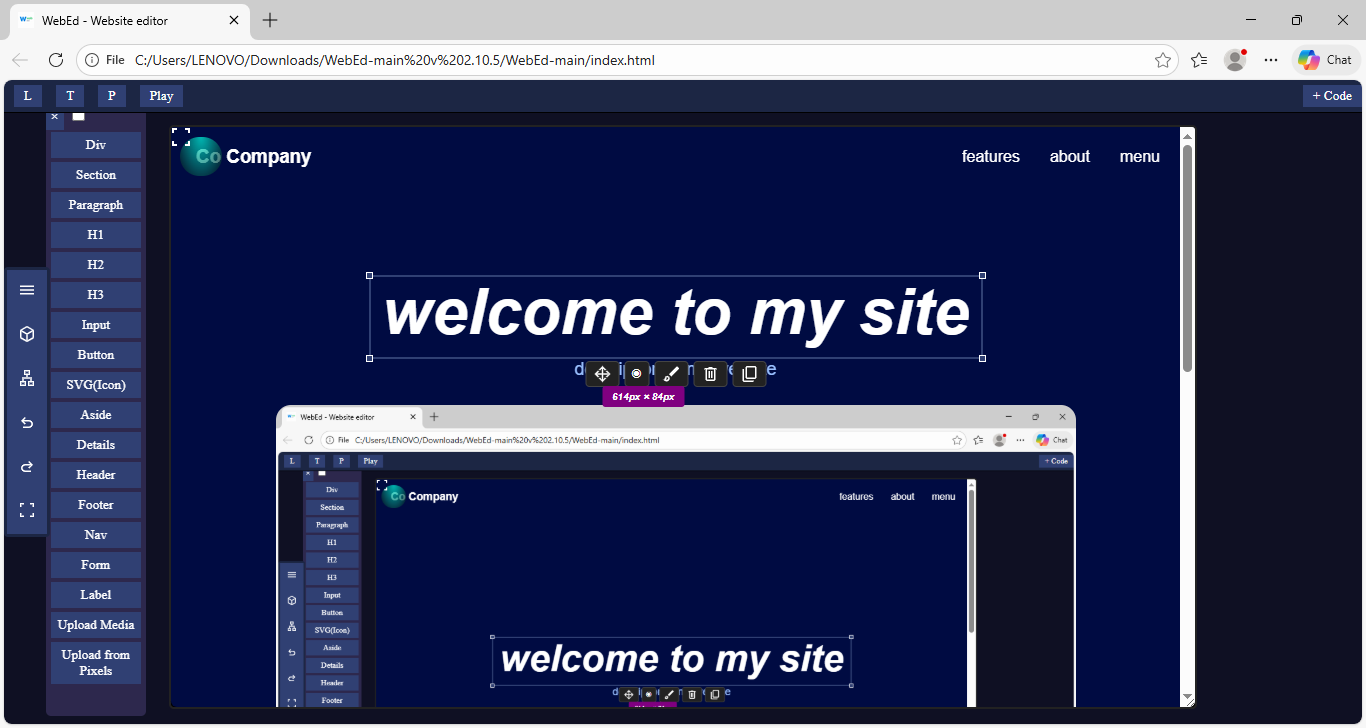
WebEd is a modern, fast and professional-grade visual editor In which drag & drop and live preview. Beginners and developers – Both are perfect.
Design your entire webpage visually with drag-and-drop, element tree, inline editing, and real-time preview. No coding skills required.
Build and edit real HTML, CSS, and JavaScript directly in your browser. WebEd works smoothly on mobile and desktop with a clean, adaptive interface. Create websites anytime, anywhere with a truly responsive web editor.
WebEd lets you write JavaScript and CSS directly in the code space without restrictions. Build, test, and tweak small web apps instantly in your browser. Perfect for fast prototyping, experiments, and lightweight projects.